User guide
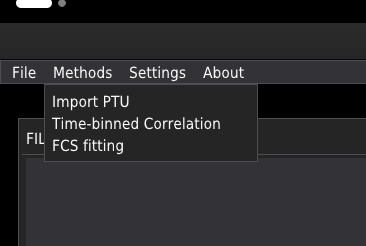
The software consists of three modules listed below, which allow processing of FCS data. Follow the link to learn more about the modules.
By default, FcsIT starts in the FCS fitting mode. The other modules can be selected from the Methods menu; see image below.
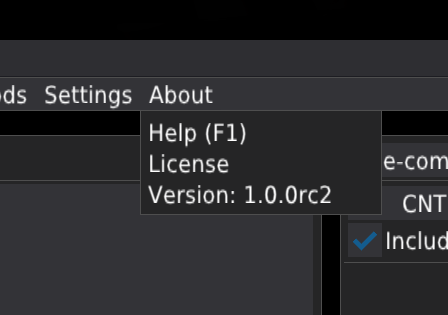
In the About menu:
Help opens this manual in a web browser.
License opens the software licence.
Version shows the installed software version and indicates when an update is available. Version checking and downloading updates require an internet connection.