Mix ROI
This tool is designed to perform a product, sum, or subtract operations on two ROI files generated with smICA.
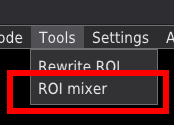
It will open a new window that will help to navigate through the process,
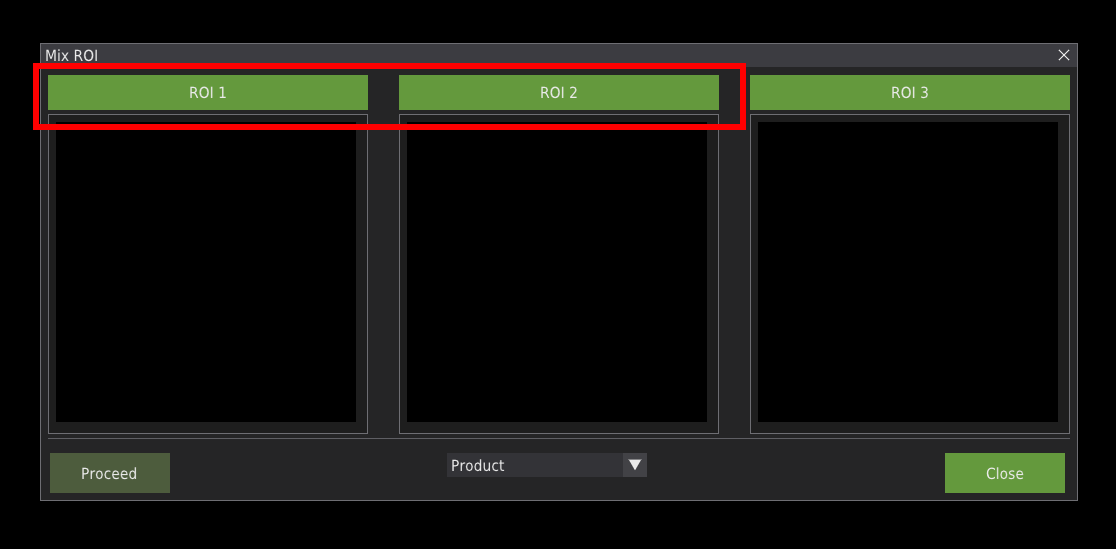
Using the ROI1, ROI2 buttons define ROI files source to be used.
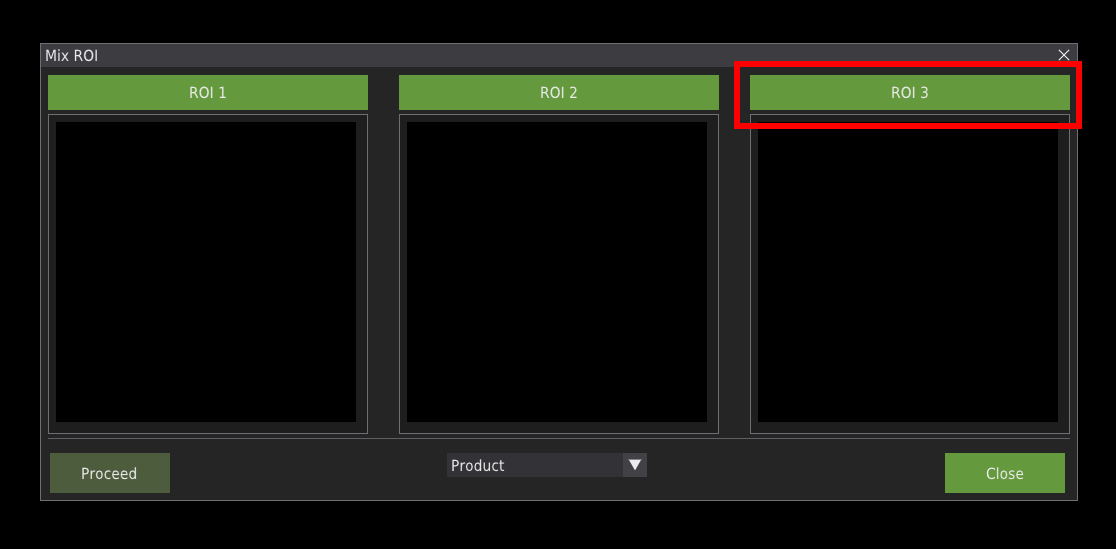
The ROI3 button defines the target ROI folder. The name of the resulting file will be the same as for ROI 1.
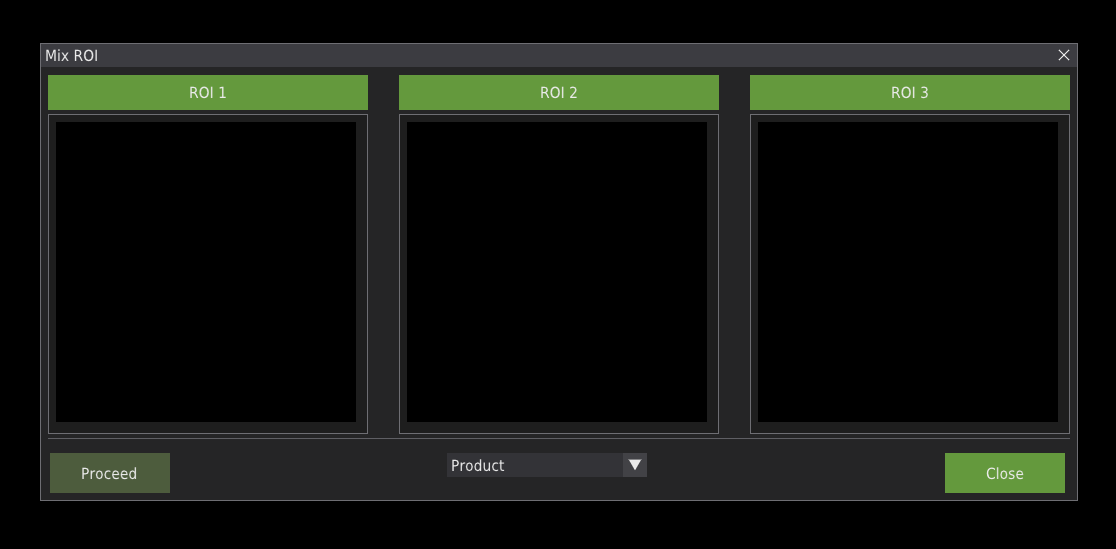
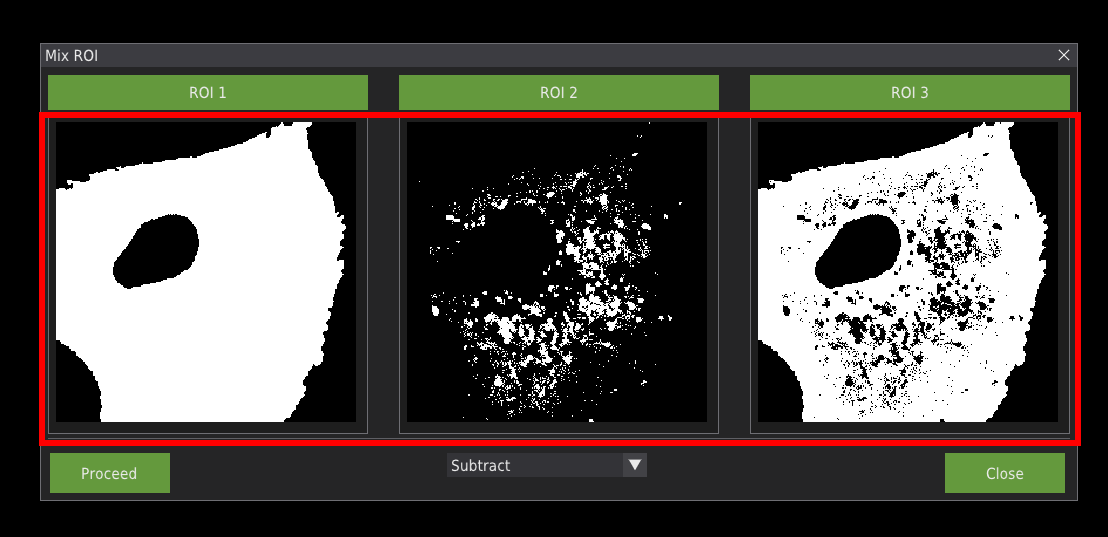
In the image fields below the buttons the ROI images will appear. First two represents ROI 1 and ROI 2. The third image is a result of operation on the first two ROIS.
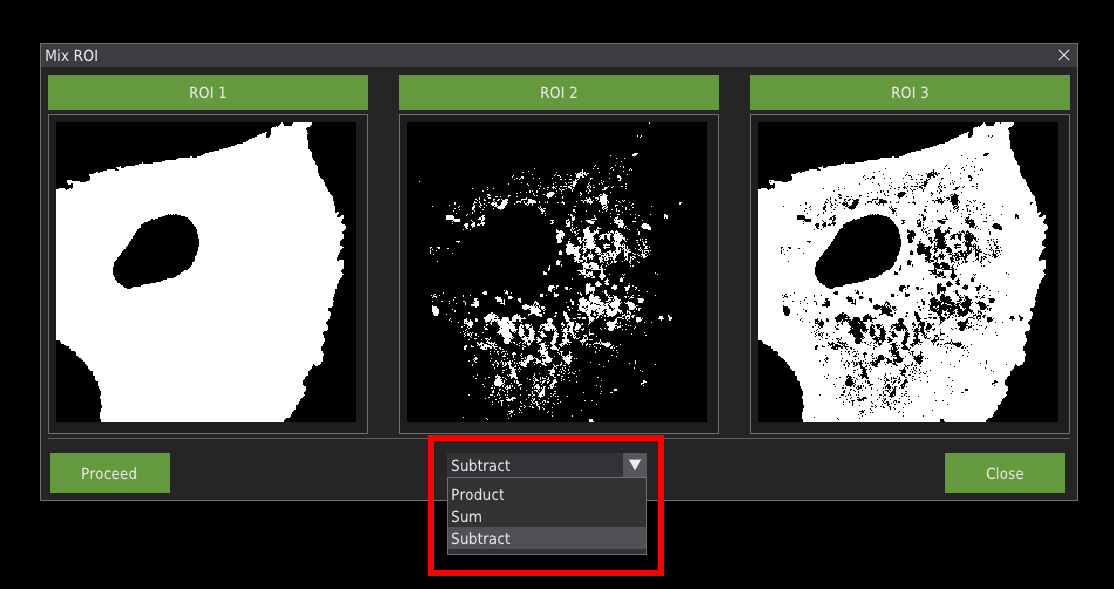
In the middle of the window there is a drop down menu with available operations.
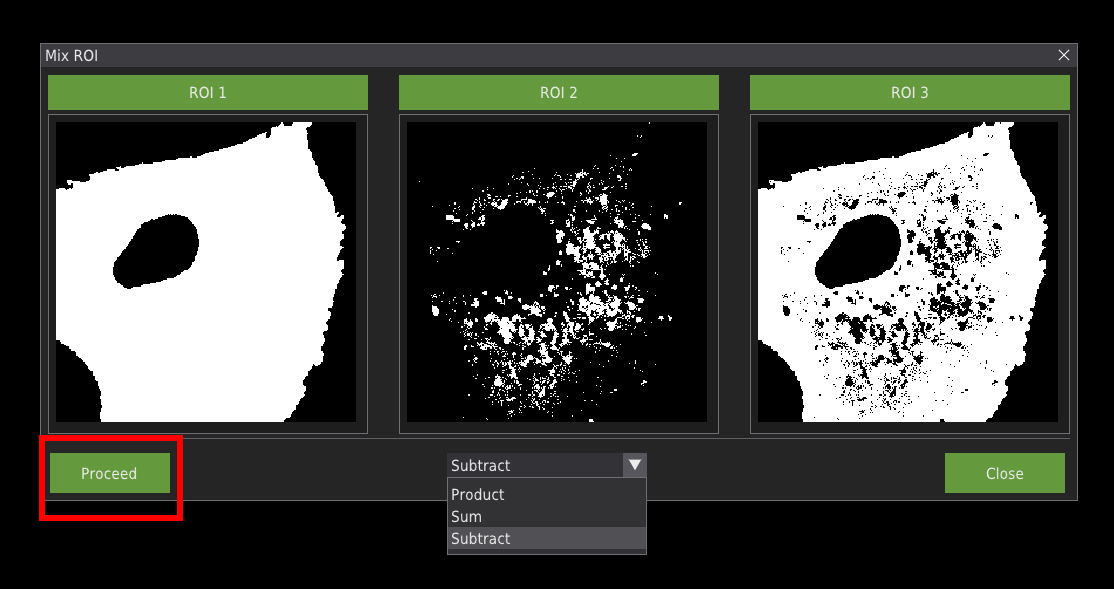
Press the Proceed button to save ROI 3 into file.
The ROI files created with this toola can be directly loaded into the smICA analyis workflow.